
Separating Table Reservations, HTML Menus, and Pickup Orders on a Restaurant Website
Structuring dining-room pacing, party-size limits, crawlable menus with dietary labels, and reservation software costs without mixing table bookings and kitchen tickets.
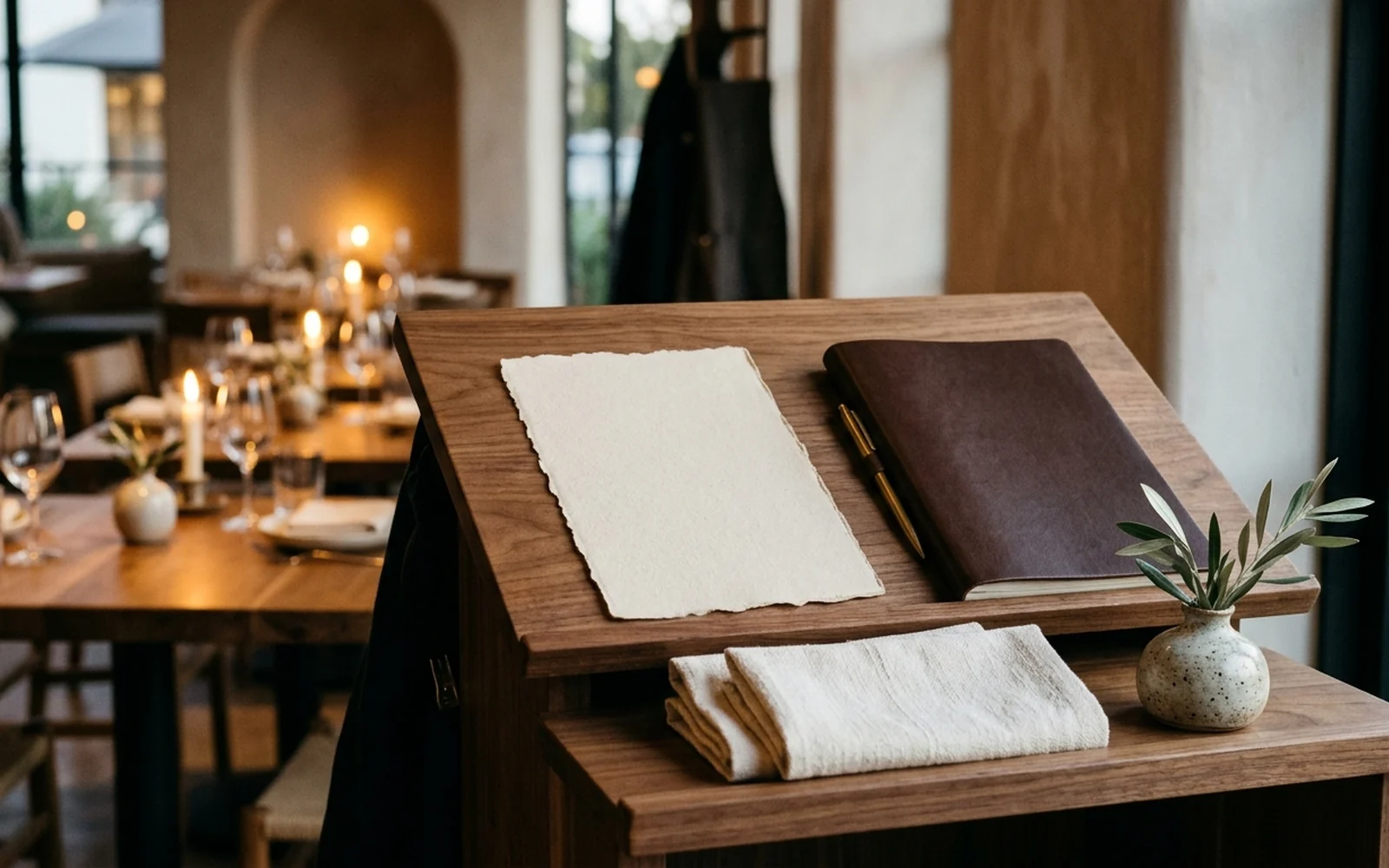
- Table reservations (physical seating inventory and 90-minute turns) and takeout pickup (kitchen line throughput and 86’d items) solve opposite operational constraints and belong in separate buttons and flows.
- Capping live online reservations at 1–6 guests and routing 7+ parties to a private-dining inquiry protects floor pacing on peak Friday and Saturday nights.
- HTML menus with scannable dietary labels (GF, V, VG) load cleanly on phones and help search engines index individual dishes—unlike sideways PDFs.
- Comparing Resy’s flat monthly tiers against OpenTable’s monthly-plus-per-cover model clarifies annual reservation costs before renewing a contract.
SECTION 01
Why dining reservations and pickup orders must never share one flow
When a neighborhood restaurant lumps “Book / Order” into a single cramped menu or forces diners to navigate a generic contact form, both the host stand and the kitchen line lose visibility. Table reservations are a physical capacity puzzle governed by table sizes, patio vs. dining-room sections, and 90-minute turn lengths. Pickup orders are a kitchen production queue governed by real-time prep windows, modifiers, and sold-out dishes.
Place two unmistakable actions above the fold on mobile and desktop: Reserve a Table and Order Pickup. Guests immediately follow the path matching their evening without wondering whether they just booked a seat or submitted a takeout ticket.
SECTION 02
Party-size caps, turn pacing, and careful dietary notes
Two four-tops cannot sit at Table 04 at 7:00 PM and 7:30 PM when dinner service runs ninety minutes. Live reservation rules should enforce accurate table turns, limit instant booking to standard party sizes (commonly 1–6 guests), and route groups of 7 or more to a structured private-dining or large-party inquiry.
Include a concise optional field for seating requests or dietary notes while phrasing expectations carefully: note clearly that dietary comments alert the host and kitchen to discuss available options—never imply an automated allergen-free kitchen guarantee online.
- Display party size, dining section, date, time, and expected seating duration before confirmation.
- Keep regular dining reservations free of mandatory food pre-checkout unless clearly labeled as a ticketed chef’s menu.
- Provide a two-tap reschedule or release link so changing plans frees tables early for waitlisted diners.
SECTION 04
Reservation software economics: OpenTable vs. Resy vs. direct
Choosing a reservation engine depends heavily on whether you need marketplace diner discovery or already fill tables through neighborhood demand and Google Maps:
| Reservation layer | Published US pricing model | Best operational fit |
|---|---|---|
| OpenTable Basic | ~$149/mo + $1.50 per network cover + $0.25 per website widget cover (or ~$49/mo flat widget add-on). | Smaller dining rooms testing OpenTable’s consumer diner network without higher base tiers. |
| OpenTable Core / Pro | Core ~$299/mo ($1.00 network cover / $0 website widget); Pro ~$499/mo ($1.00 network cover / $0 widget + guest CRM). | Busy full-service rooms relying on OpenTable discovery while routing direct website covers at $0 per cover. |
| Resy Essential / Platform / 360 | Flat monthly plans (~$269–$289/mo Essential/Platform; ~$399–$459/mo Platform 360) with $0 per-cover fees. | High-volume dining rooms where per-cover marketplace fees quickly exceed a flat monthly fee. |
| Status Tech website layer | $500 Starter · $1,000 Business · $3,000 Signature (separate from reservation software subscriptions). | Fast HTML menu, clear Reserve/Pickup separation, and clean integration with your chosen provider or separately scoped custom calendar. |
Third-party reservation rates reflect published US provider pages checked November 2026 and may vary by market or negotiated contract. Confirm current terms directly with OpenTable or Resy.
FREQUENTLY ASKED QUESTIONS
Common questions from business owners.
Can our restaurant website link OpenTable or Resy for dine-in AND Toast or Square Online for pickup?
Yes. Giving guests two distinct top-level actions—Reserve a Table (to OpenTable, Resy, or your calendar) and Order Pickup (to Toast, Square Online, or DoorDash Storefront)—keeps both host stand and kitchen workflows clean.
Can our managers update seasonal specials and prices without waiting on a developer?
Yes. Business ($1,000+) and Signature ($3,000+) builds can include configured editable content types for menus and seasonal hours, or you can use optional Care ($49/month) when you prefer sending updates to Status Tech.
Do your Ember & Olive template demonstrations charge real cards or fire kitchen printers?
No. All Status Tech template sites are clearly labeled demonstration sandboxes with zero real payments or live kitchen orders. Production restaurant builds connect directly to your verified POS and reservation accounts.
Want cleaner separation between your menu, reservations, and pickup flow?
Send your current restaurant website or Google Maps link for a free 15-minute review. We check mobile menu speed, Reserve/Order clarity, and GBP action links within 24–48 hours.
REFERENCES & EDITORIAL STANDARDS
Sources & linked pages.
Facts and third-party provider rates checked November 23, 2026. Provider plans and payment terms belong to their respective operators and may change. Status Tech demonstration websites are clearly labeled sandboxes.
- OpenTable published US restaurant plans
- Resy published US plans and pricing
- Ember & Olive Business restaurant demonstration
- Status Tech website scope and tiers
Spot an outdated rate or have a topic request? Tell Status Tech.