
Qualifying Landscape and Garden Inquiries Before Booking a Site Visit
Using service-area ZIP checks, optional yard photos, and clearly scoped paid consultations to filter mismatched requests before putting a truck on the road.
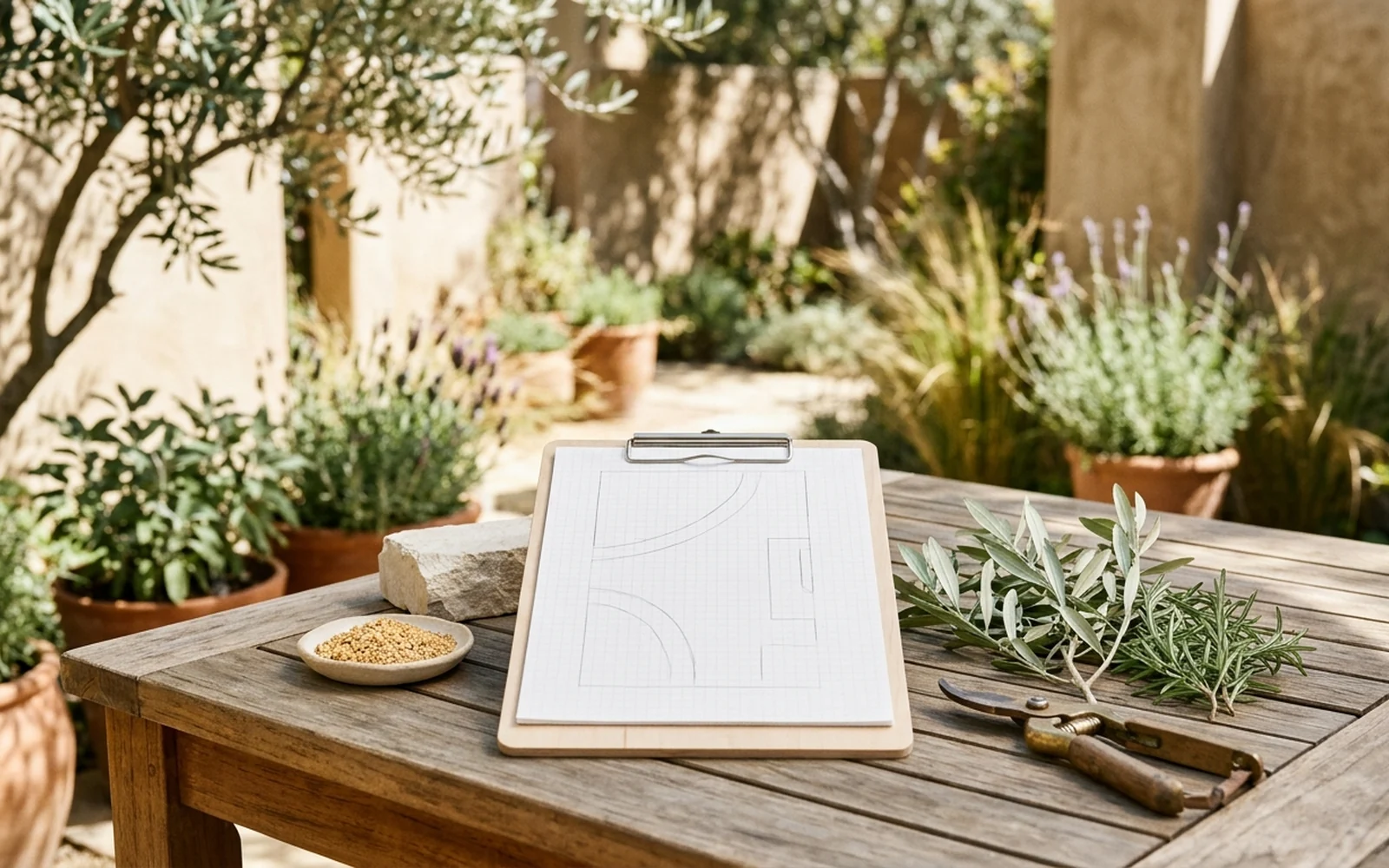
- An instant five-digit ZIP zone check confirms whether a property lies inside your primary drive radius, extended travel area, or outside coverage before reserving calendar time.
- An optional client-resized mobile photo upload gives designers immediate visibility into sun exposure, slope, hardscape wear, and gate access over cellular connections.
- Keeping a timed paid consultation separate from maintenance inquiries and full design-build briefs prevents misaligned expectations at the driveway.
- Publishing the exact walkthrough fee and written deliverable upfront filters out mismatched requests politely while raising trust with serious homeowners.
SECTION 01
The real cost of unqualified site walks
For residential landscape designers and garden studios, driving forty-five minutes across town only to learn a homeowner is outside your service county—or wants weekly lawn mowing rather than drought-tolerant courtyard design—burns two billable hours plus fuel.
Good intake design does not interrogate homeowners with a twenty-question survey. It asks four purposeful questions on a mobile screen so both homeowner and studio know the fit before putting a truck on the road.
SECTION 02
Four intake fields that qualify a property in under two minutes
Structure your consultation form around the exact physical facts you normally spend the first fifteen minutes of a phone call uncovering:
- Five-digit property ZIP check: Immediately signals whether the address sits in your primary local zone, extended travel area (with any travel-fee boundary), or remote-guidance range.
- Project category: Native or drought-tolerant conversion, drainage and grading, courtyard hardscape, planting refresh, or seasonal care.
- Optional browser-resized yard photo: Keeping uploads optional and compressing images in the browser before upload ensures reliable submission over cellular data while giving you immediate sightlines into scale and sun exposure.
- Decision-maker attendance and site access: Confirms who will walk the yard with you and flags HOA guidelines, locked side gates, or pets ahead of arrival.
SECTION 03
Routing three homeowner requests to three distinct workflows
A 60-minute paid advisory walkthrough belongs on a live calendar with controlled weekday hours (such as Tuesday–Friday mornings). Full measured planting plans and licensed C-27 build installations belong in a structured design-build inquiry rather than a one-hour calendar widget.
| Homeowner request | Website workflow | Clear next step |
|---|---|---|
| 60-minute advisory walkthrough | Timed Paid Consultation Calendar (e.g., $85 sandbox fee + written starting summary) | Homeowner selects an open slot; studio reviews ZIP and photo before driving out. |
| Seasonal garden maintenance | Maintenance Care Brief | Studio reviews acreage, irrigation type, and monthly or seasonal care cadence. |
| Planting plan or courtyard design-build | Project Brief Inquiry | Studio reviews scope, timeline, and schedules a qualification call before drafting a licensed CA Home Improvement Contract. |
SECTION 04
Delivering intake context cleanly to the driveway
When you park outside a client’s home, opening your owner view on a phone should show their name, click-to-call phone link, property ZIP badge, uploaded yard thumbnail, and original priority notes in one screen—eliminating frantic scrolling across texts and voicemails.
FREQUENTLY ASKED QUESTIONS
Common questions from business owners.
Will an optional yard-photo field slow down homeowners filling out the form on cellular data?
Not when the form resizes images client-side in the browser before upload and keeps the photo strictly optional. Serious homeowners frequently attach a quick driveway or patio snapshot because it helps them explain their space faster.
Should a landscape studio publish exact construction totals online?
Avoid rigid fixed build prices online because grading, soil, demolition, and stone selection vary sharply per yard. Instead, publish your consultation fee clearly alongside honest starting project ranges and what drives final scope.
Can our consultation form connect into Jobber, Housecall Pro, or Calendly?
Yes. Business ($1,000+) and Signature ($3,000+) sites can connect official Calendly, Jobber, or Housecall Pro request flows, or scope a custom ZIP-and-photo intake workspace separately.
Want your website to filter service areas and scope before you drive out?
Test our live Fieldwork consultation sandbox (ZIP check and yard photo preview) or book a 15-minute call to review your current inquiry flow.
REFERENCES & EDITORIAL STANDARDS
Sources & linked pages.
Facts and third-party provider rates checked November 23, 2026. Provider plans and payment terms belong to their respective operators and may change. Status Tech demonstration websites are clearly labeled sandboxes.
- Fieldwork garden studio demonstration
- Status Tech connected consultation sandbox
- Calendly published US plans
Spot an outdated rate or have a topic request? Tell Status Tech.